
Webhooks Workflow
Retry Mechanism
In the rare cases where the notification was not successfully delivered to your server in the 1st attempt, we use retry mechanism. This mechanism will retry the delivery for a maximum of 9 times after the initial attempt. The mechanism will keep on running for up to 42 hours, with a decreasing frequency as follows:
- 0 = 1st attempt
- 5 min
- 10 min
- 20 min
- 40 min
- 1 h 20 min
- 2 h 40 min
- 5 h 20 min
- 10 h 40 min
- 21 h 20 min = last attempt
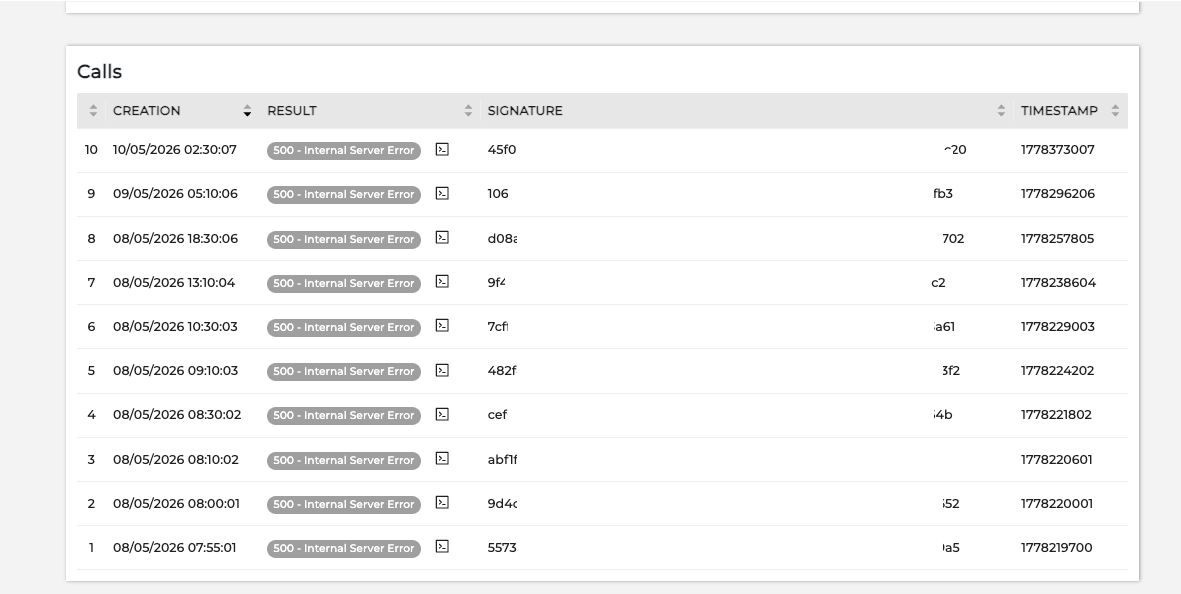
Failure reason
If the notification delivery fails, you can check the reason. This helps you identify the potential issues on your server's side.
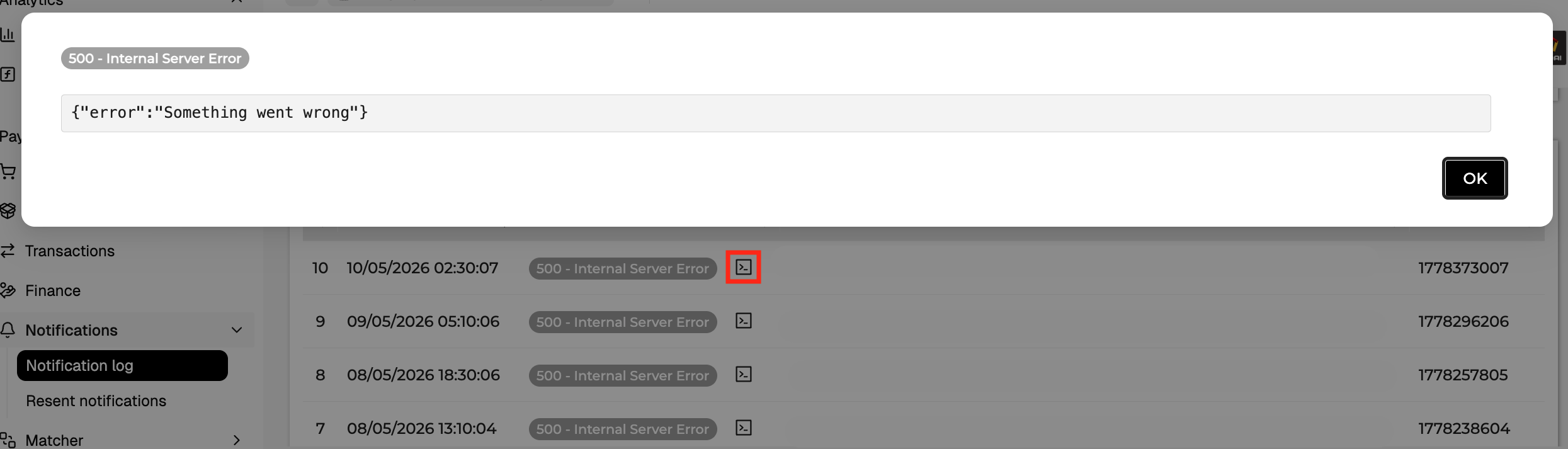
To view the reason of notification delivery failure, enter the notification details. In the Calls section, you will see the http response received from your server. Press on the code icon to view more details.
Manual resend
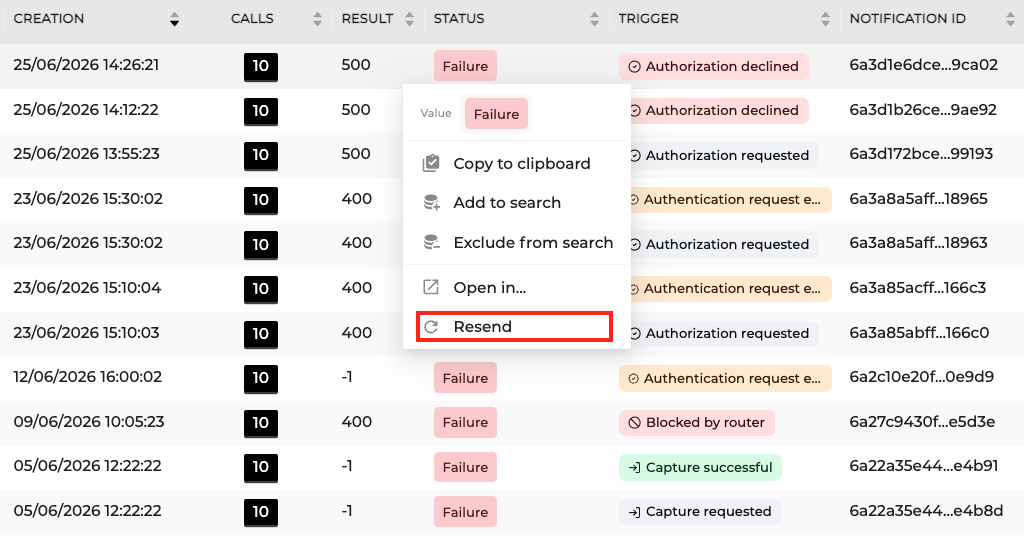
If the retry mechanism is still running, you will see the status of your notification being Pending. If it's successfully delivered, the status is Success. In cases that the retry mechanism stopped running and the notification could still not be delivered, the status changes to Failure. Once it has reached this status, you will be able to manually resend the notification.
In the Notifications overview, right click on the notification you want to resend and select Resend.
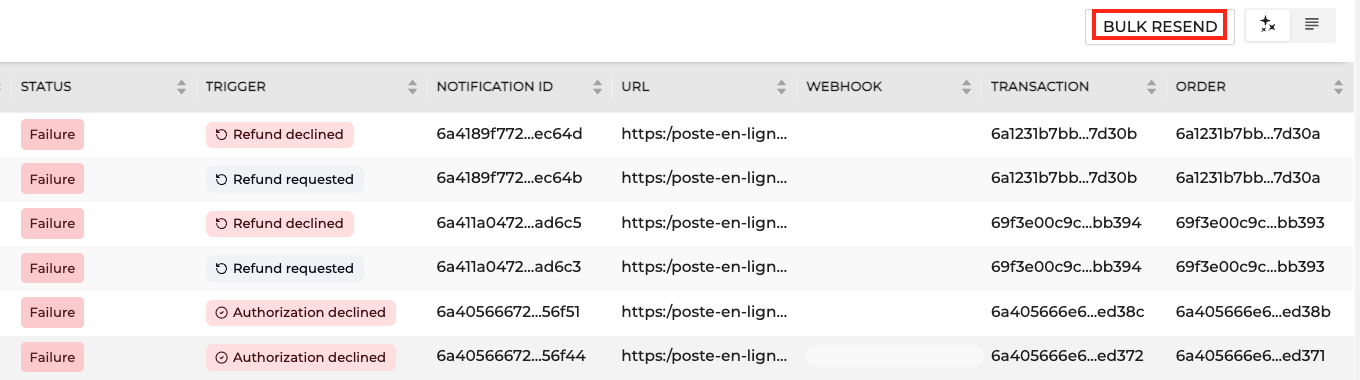
If there are more notifications that you need to resend, you can use BULK RESEND button. This is only possible for a period of a maximum 1 week.
Updated about 1 month ago