
Managing API Keys
Creating an API Key
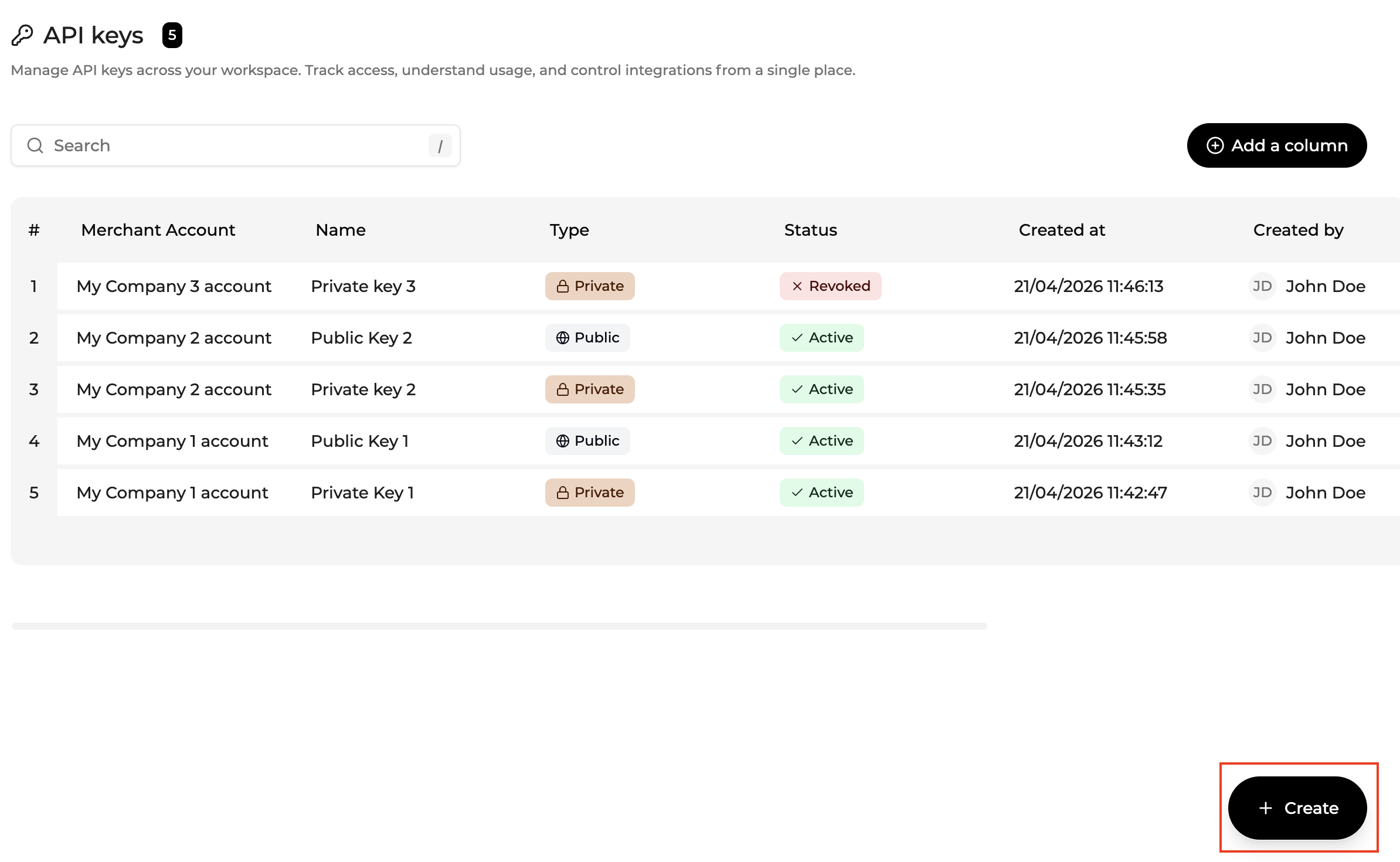
To create an API Key , click on "+ Create" button.
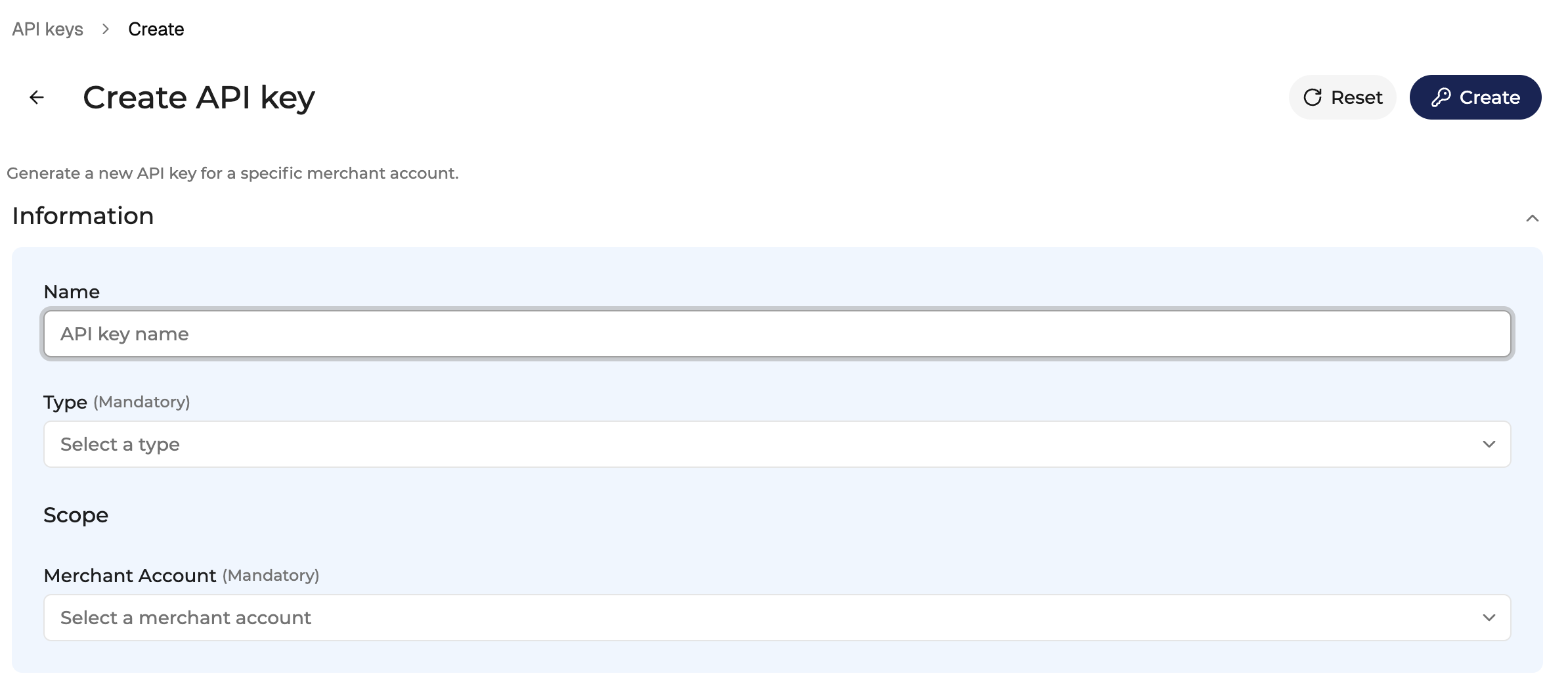
During creation, you define:
- key name
- scope
- permissions (depending on context)
Once created :
- the key is immediately available for use
- the key value is masked by default and can be revealed securely at any time. Each reveal is logged for audit purposes.
Editing an API Key
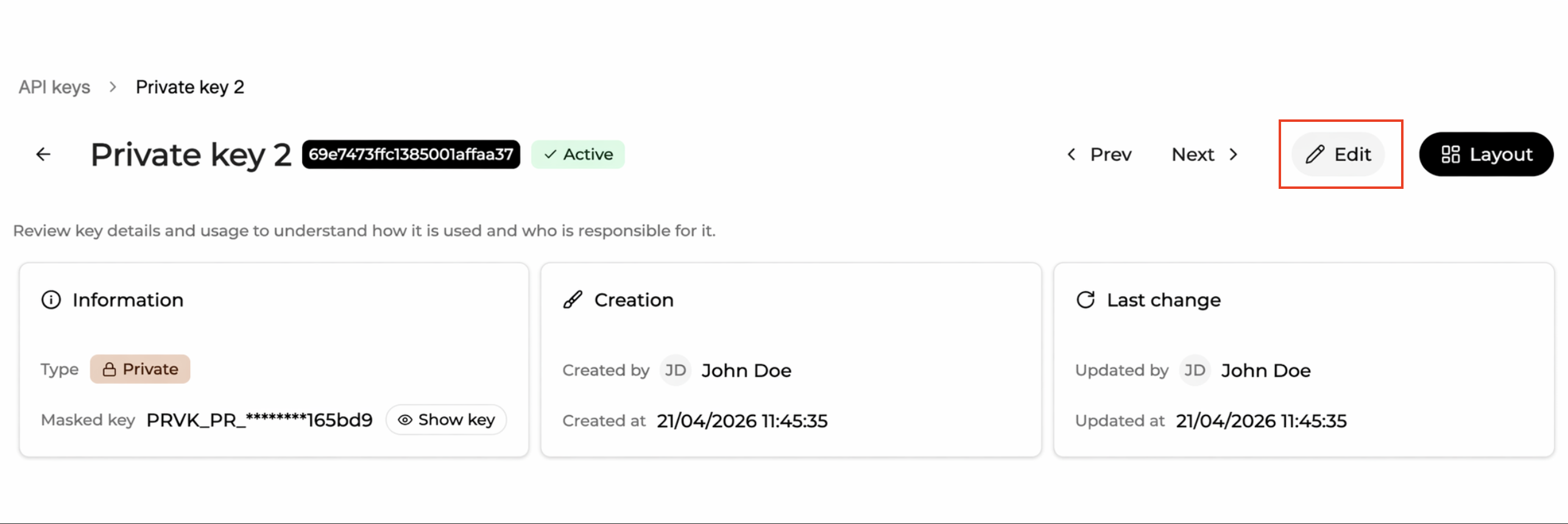
Click Edit to enter edit mode.
In edit mode:
- changes are staged locally
- no modification is applied until Save is clicked
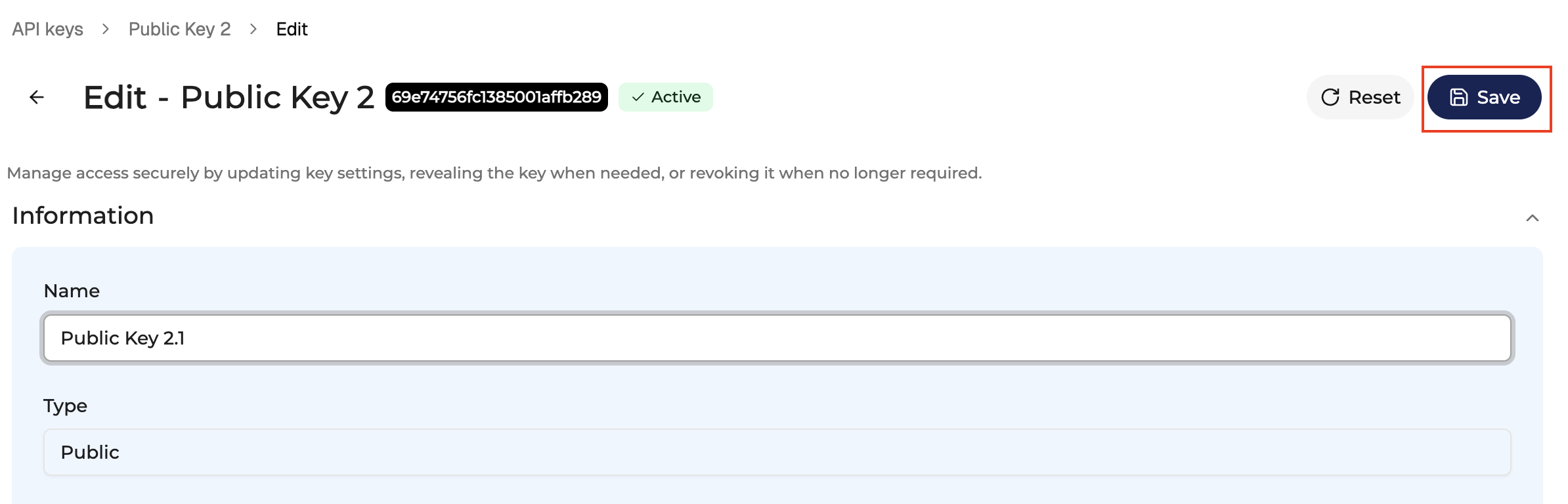
Leaving the page with unsaved changes triggers a confirmation dialog
API Key Actions
Key visibility & security
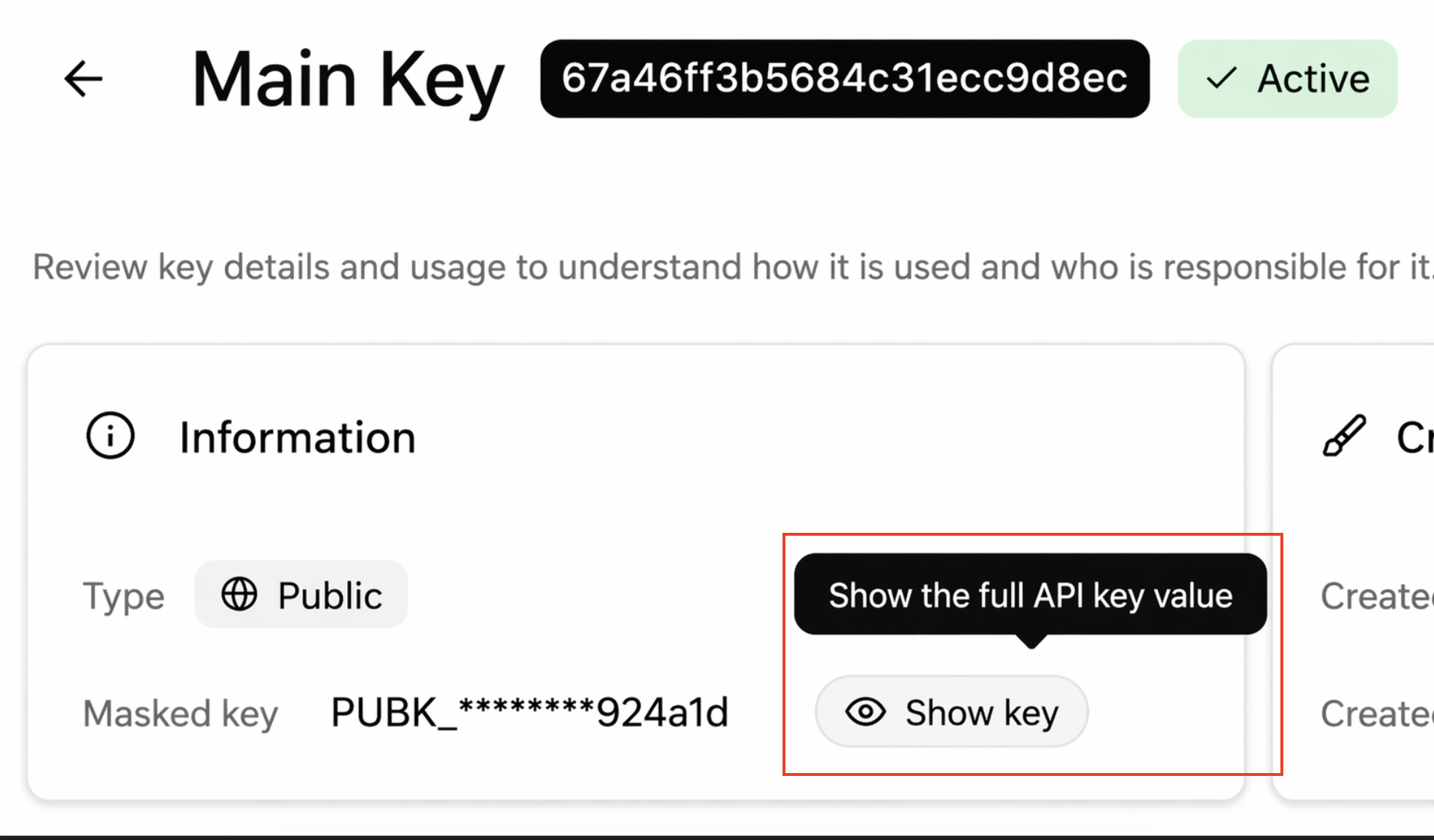
- API keys are masked by default
- Users can reveal the full key via a dedicated action
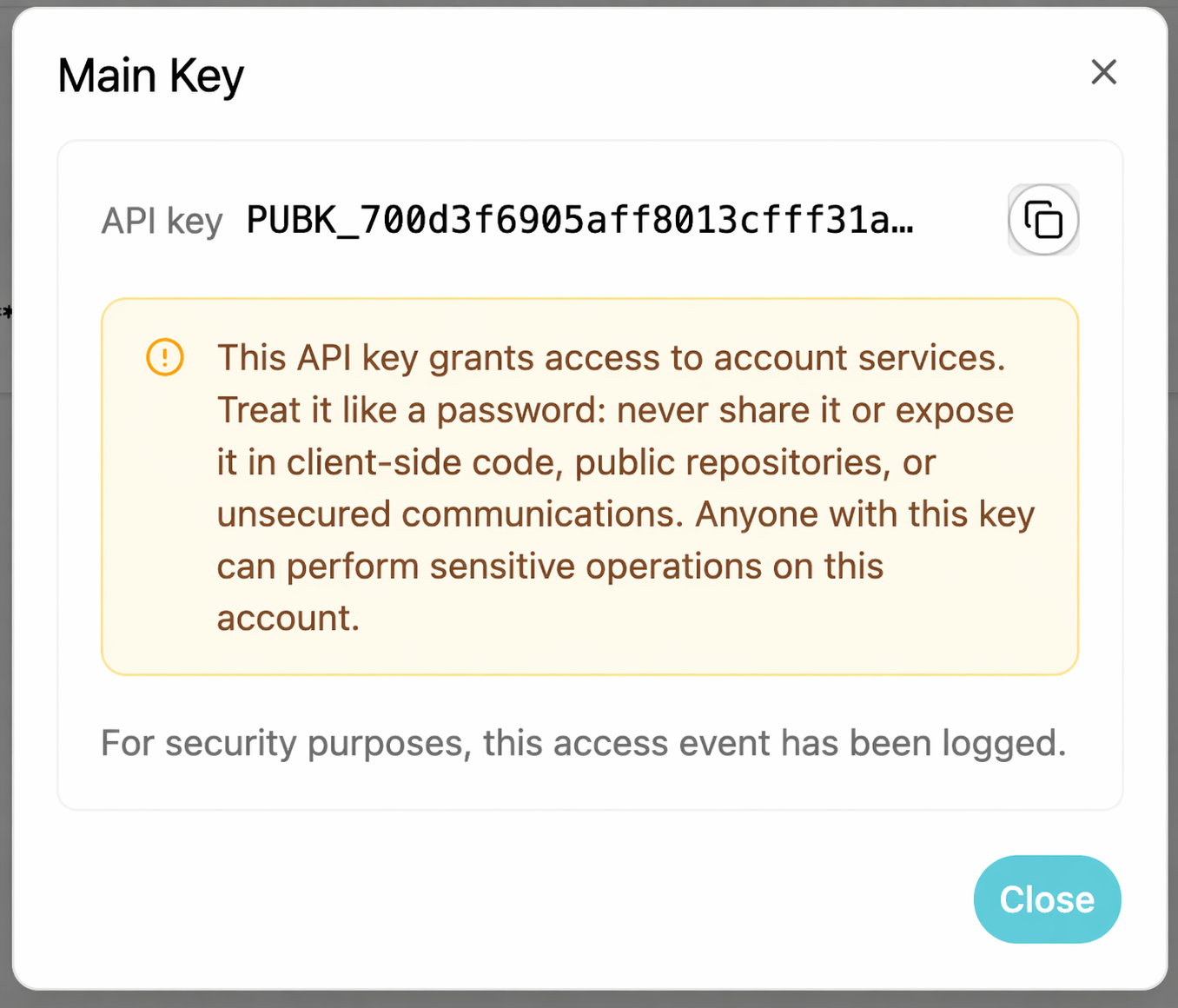
- Each reveal is
- explicit
- logged for audit purposes
- A warning is displayed before copying the key
- Revealed keys must be treated as sensitive credentials
Revoke an API key
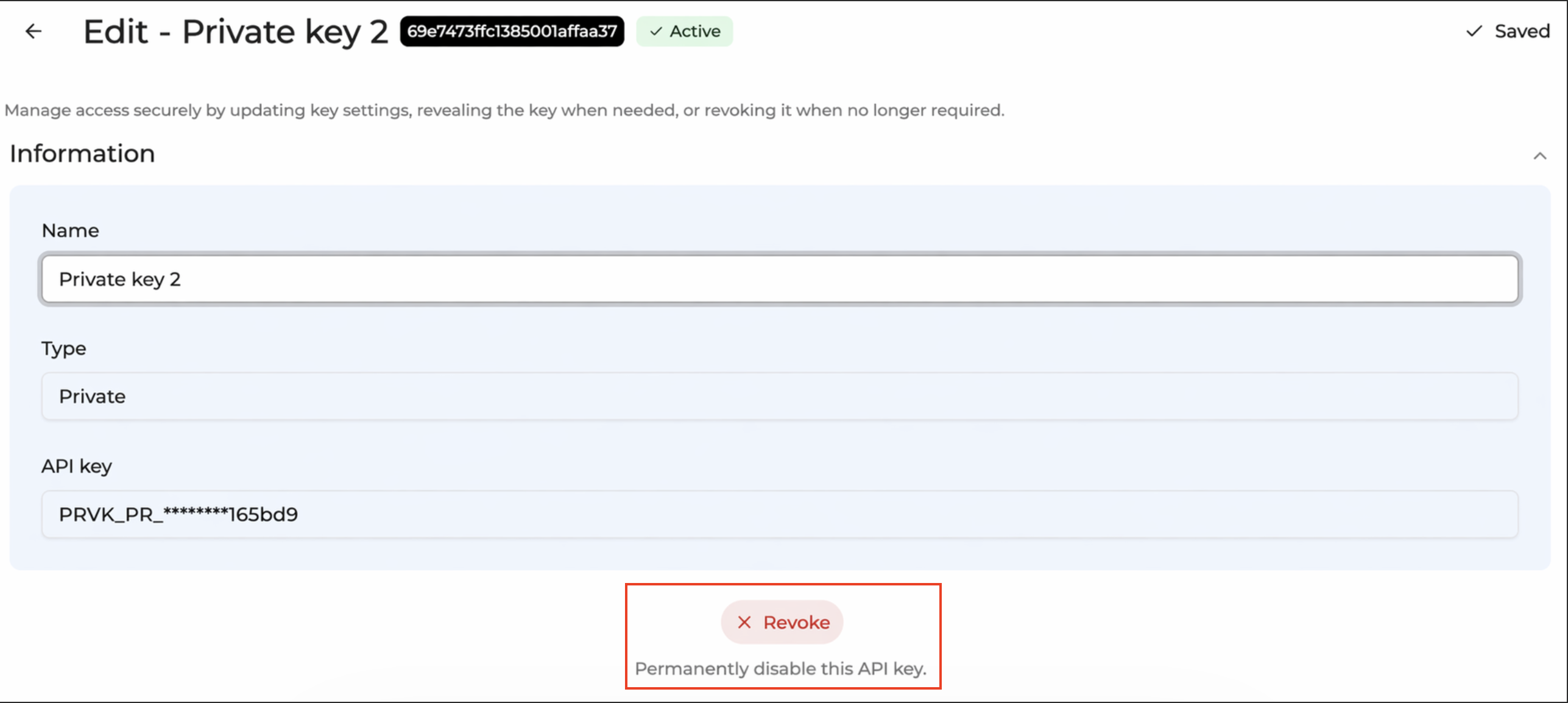
Revoking an API key permanently disables it.
Behavior:
- the key becomes unusable for all future requests
- the action cannot be undone
Revoked keys remain visible for audit purposes.
Confirmation dialogs
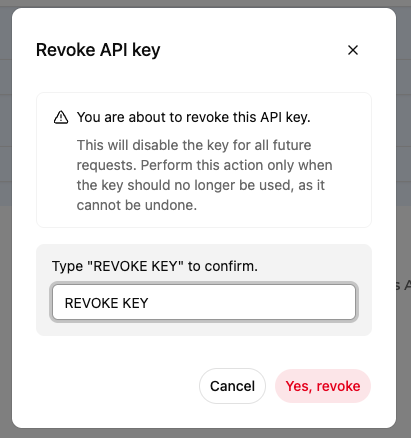
Revoke action requires explicit confirmation.
The confirmation modal:
- clearly explains the impact of the action
- requires manual input by typing REVOKE KEY
- prevents accidental execution
The action button remains disabled until the correct input is provided.
Navigation Warning (Unsaved Changes)
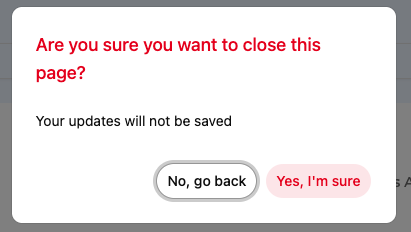
If a user attempts to leave the page with unsaved changes, a confirmation modal appears.
Message: Are you sure you want to close this page? Your updates will not be saved.
Available actions:
- No, go back
- Yes, I'm sure
Best practises
- Use descriptive naming: Clearly identify the purpose of each key.
- Avoid sharing keys across systems: Each integration should use its own key
- Revoke unused keys: Regularly review and revoke unused keys.
Updated about 1 month ago