
List Detail Page (Read-only)

The detail page displays the list metadata and entries.
Three main information cards are shown:
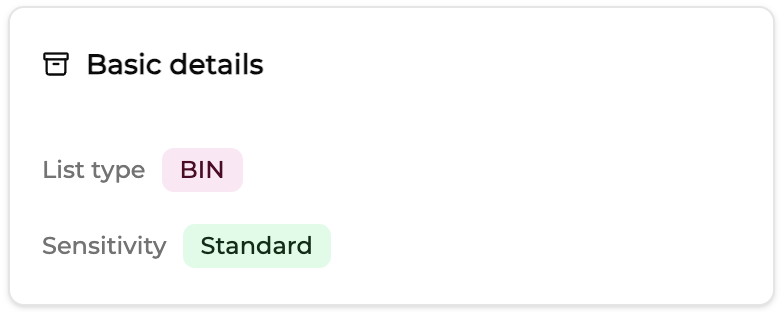
Basic details
Contains:
- List type
- Sensitivity list
Example :
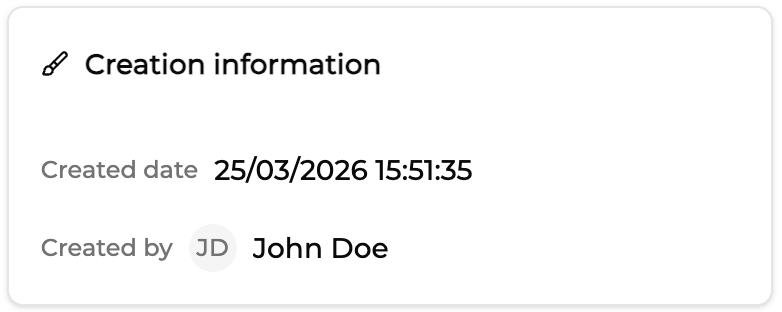
Creation information
Contains :
- Creation date
- Creator
Example:
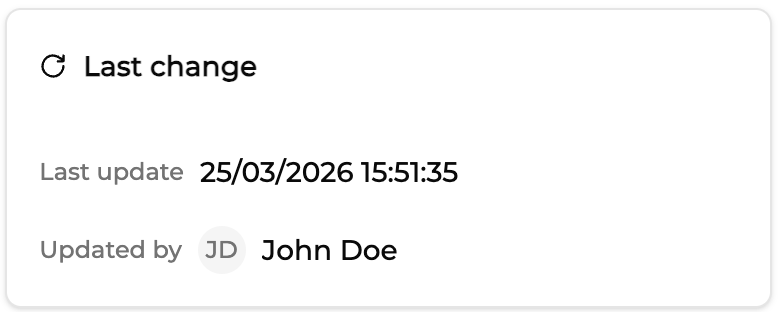
Last change
Displays :
- last update timestamp
Example :
Entries Table
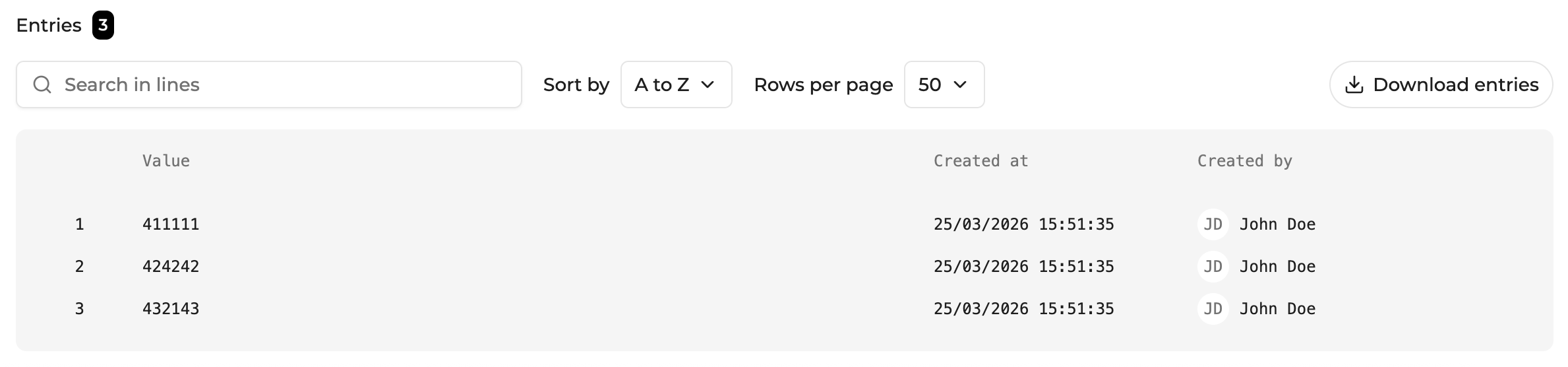
The Entries section displays all list entries.
If no entries exist, the interface displays an empty state. Users can then:
- add entries manually
- import entries via CSV
Entry Table Features
The entries table includes:
| Feature | Description |
|---|---|
| Search | Filter entries by value |
| Sorting | Alphabetical sorting |
| Rows per page | Pagination |
Each entry rows displays :
- entry value
- created by
- creation date
Importing entries (CSV)

Entries can be imported via CSV.
Requirements:
- one value per row
- single column
- no header
Example file :
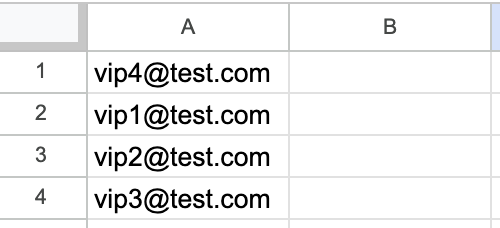
Imported entries appear immediately in the table but remain in draft state until saved. CSV import is recommended for large lists or when entries are already prepared in an external dataset.
Updated 26 days ago