
Webhooks table
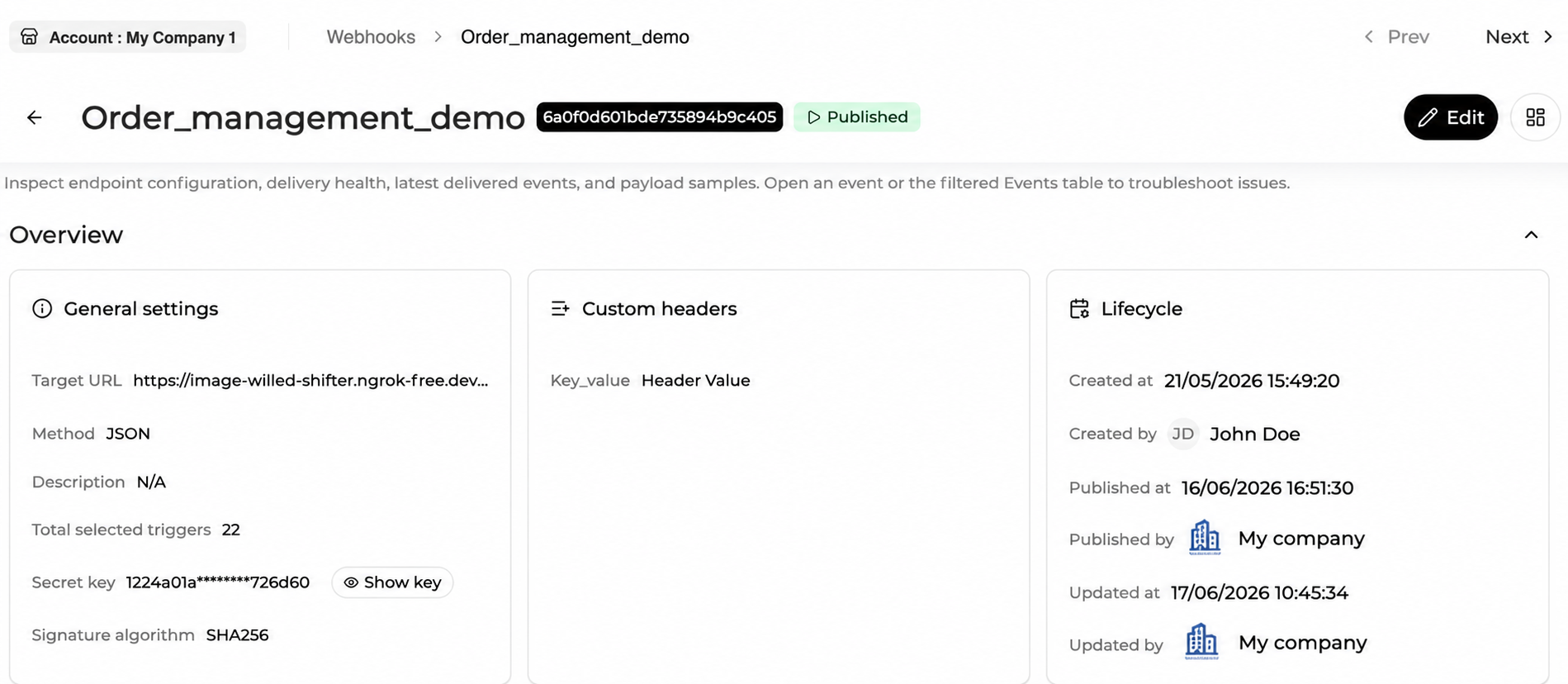
The Webhooks table displays webhook endpoints available within the current scope.
Each row represents one webhook endpoint.
Webhooks are always configured at Merchant Account level. However, users operating from higher scopes, such as Company, Program Manager, Meta Program Manager, or Internal, can view and manage Merchant Account webhooks when their permissions allow it.
From the table, users can quickly identify existing endpoints, understand their status, and open the right webhook for review or configuration.
Columns include :
| Column | Description |
|---|---|
| Meta Program Manager | Parent Meta Program Manager of the Merchant Account, when applicable. |
| Program Manager | Parent Program Manager of the Merchant Account. |
| Company | Parent Company of the Merchant Account. |
| Merchant Account | Merchant Account to which the webhook endpoint belongs. |
| Name | Display name of the webhook endpoint. |
| Triggers count | Total number of triggers selected for this webhook endpoint. |
| Status | Current webhook status: Draft, Published, Unpublished, or Revoked. |
| Target URL | Endpoint URL where webhook notifications are sent. |
| Subscribed triggers | Triggers selected for this webhook endpoint, grouped by event family. |
| Headers | Custom header keys configured for this webhook. |
| Notify last transaction only | Indicates whether only the latest transaction notification is sent for each order. This applies only to Transaction webhooks. |
| Created at | Timestamp when the webhook was created. |
| Created by | User who created the webhook. |
| Updated at | Timestamp of the most recent update. |
| Updated by | User who last updated the webhook. |
| Description | Description of the webhook endpoint, when provided. |
| Last health check status | Result of the most recent test execution for this endpoint. |
| Last health check at | Date and time of the most recent test execution. |
| Published at | Date when the webhook was last published. |
Table capabilities
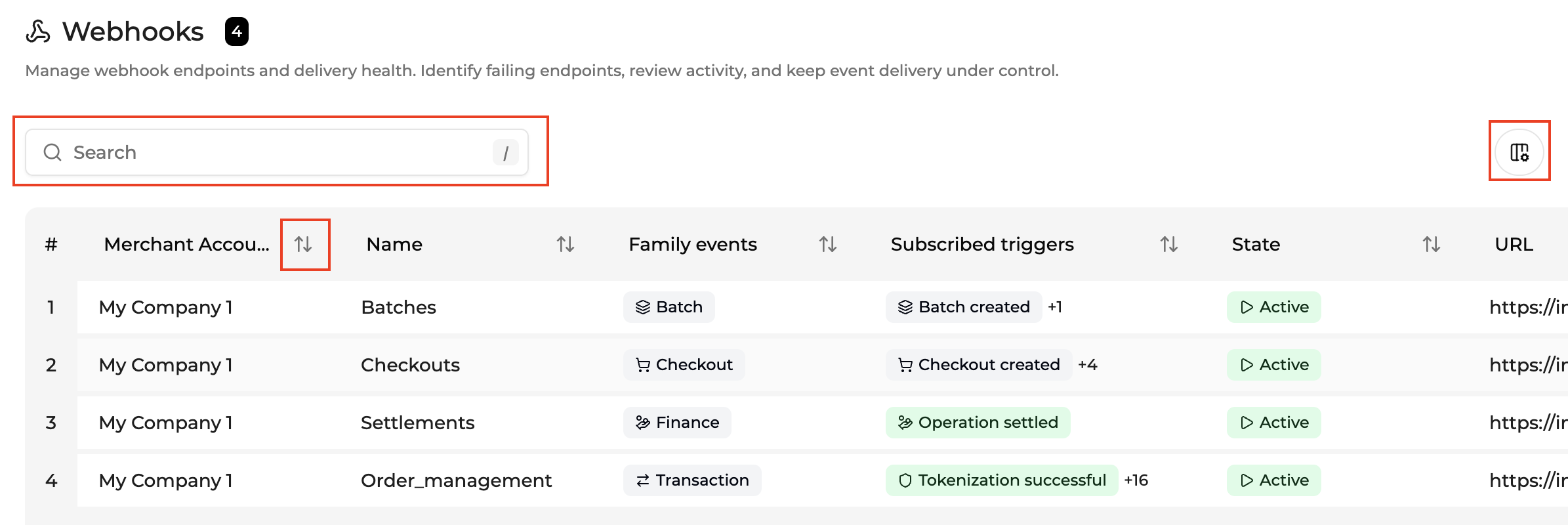
The Webhooks table supports standard Console table features, including:
- Advanced Search
- Sorting
- Pagination
- Column configuration through "Add a column"
- Context menus
Advanced search
The Webhooks table uses the new Advanced Search system. Open the panel from the toolbar or press F.
For the full operator reference by field type and Active Filters Bar behavior, see Advanced Search.
Updated about 1 month ago