
Order update
Updating an order applies to orders where the (initial) payment attempt failed. You can use this method for specific use cases, especially those that are not a part of your fallback/retry scenarios, either by default or by choice. Some examples could be:
- the card used is not supported - response
441120 invalid card - entered card details are incorrect or card is expired - response
421125 Card expired - insufficient funds - response
420100 Insufficient funds
Whenever the (initial) attempt fails with one of the responses mentioned above or other response that you want to try an order update for, the following flow applies:
-
You create a /checkout request
{
    "type": "hosted_fields",
    "authentication_indicator": "no_3ds",
    "operation_type": "authorize",
    "merchant_contract": "61faa33e3924df000a2f86a7",
    "payment_channel": "e-commerce",
    "amount": 20,
    "customer_ip": "127.0.0.2",
    "currency": "EUR",
    "locale": "en_GB",
    "order_tax_amount": 0,
    "customer_gender": "male",
    "order_merchant_id": "test12345",
    "customer_id": "JD-test",
    "customer_email": "[email protected]",
    "customer_first_name": "John",
    "customer_last_name": "Doe",
    "customer_city": "Amsterdam",
    "customer_country": "NL",
    "cancel_url": "https://cancel-clock.com",
    "accept_url": "http://accept-clock.com",
    "decline_url": "http://decline-clock.com"
}
-
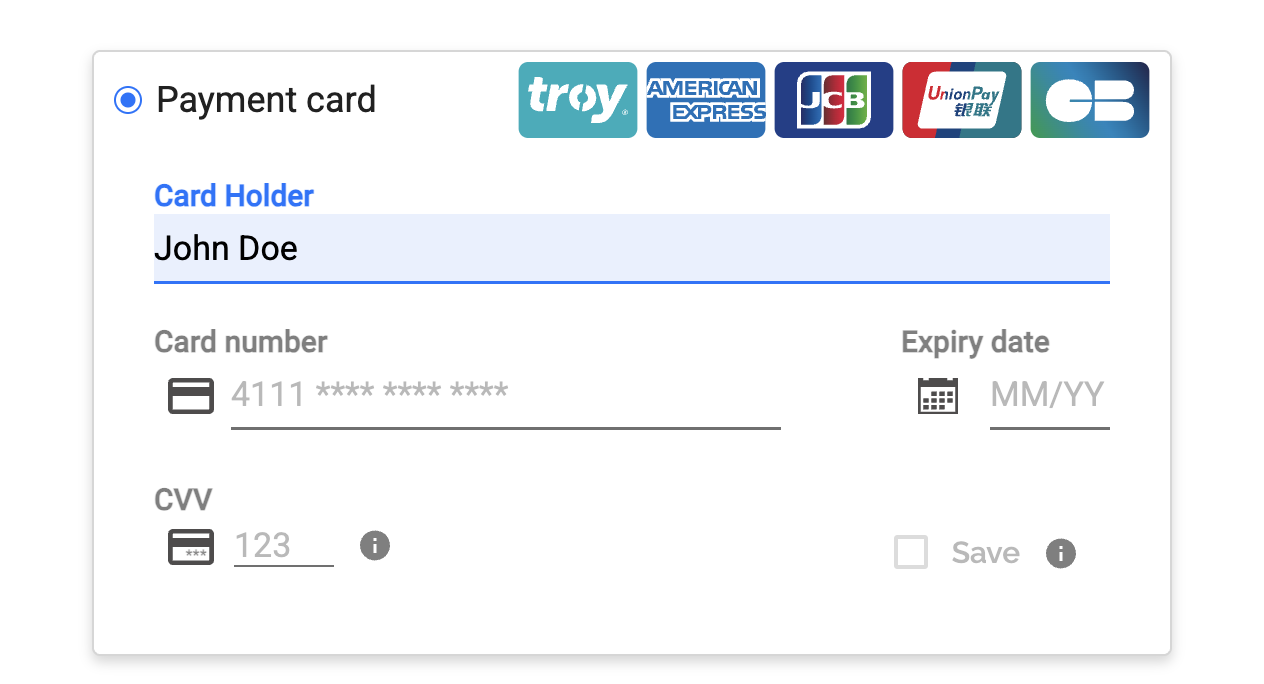
You customer is redirected to the checkout and fills in the payment details
-
Card tokenization takes place
-
You create an /order request using the token created*
*For hosted elements integration type we tokenize the card and you retrieve the token. For direct API integration type, you do the tokenization
{
    "operation_type": "authorize",
    "amount": 20,
    "currency": "EUR",
    "token": "{{token}}",
    "authentication_indicator": "no_3ds",
    "order_merchant_id": "test12345",
    "payment_channel": "e-commerce",
    "save_payment_information": true,
    "customer_id": "JD-test",
    "checkout_id": "{{checkout}}",
    "customer_first_name": "John",
    "accept_url": "https://www.accept.com",
    "decline_url": "https://www.decline.com",
    "pending_url": "https://www.pending.com",
    "exception_url": "https://www.exception.com"
    }
-
Your customer is redirected to decline_url. You receive a failed order response that is a use case for an order update**
**One of the above mentioned response or other response that is applicable. If you are not sure whether certain response applies for order update, please reach out to Support Team -
You redirect your customer back to the payment page by creating a /checkout request. Please make sure to inform your customer what happened, eg. "Card used is not supported, please try another one".

-
The customer fills in the new payment details and a new tokenization takes place.
-
You create a PUT request to update the order using: the initial order_id received in the endpoint path and a new token in the request body
{
    "operation_type": "authorize",
    "token": "{{token}}",
    "payment_channel": "e-commerce",
    "authentication_indicator": "no_3ds",
    "customer_ip": "127.0.0.1"
}
The following information can be updated:
operation_type(mandatory)payment_channel(mandatory)tokenauthentication indicatorpayment_methodcustomer_ipmerchant_contract
- As in a usual flow, you customer is redirected to a status page (accept/decline).
Please see our API Reference section for Order Update to have more details.
Updated 8 months ago