
Shift4
This guide will walk you through the process of integrating Shift4 (formerly Finaro and Credorax) with NORBr.
Step 1: Onboarding with Shift4
Sign a contract with Shift4 specifying NORBr as your integrator.
Step 2: Configure your merchant contract
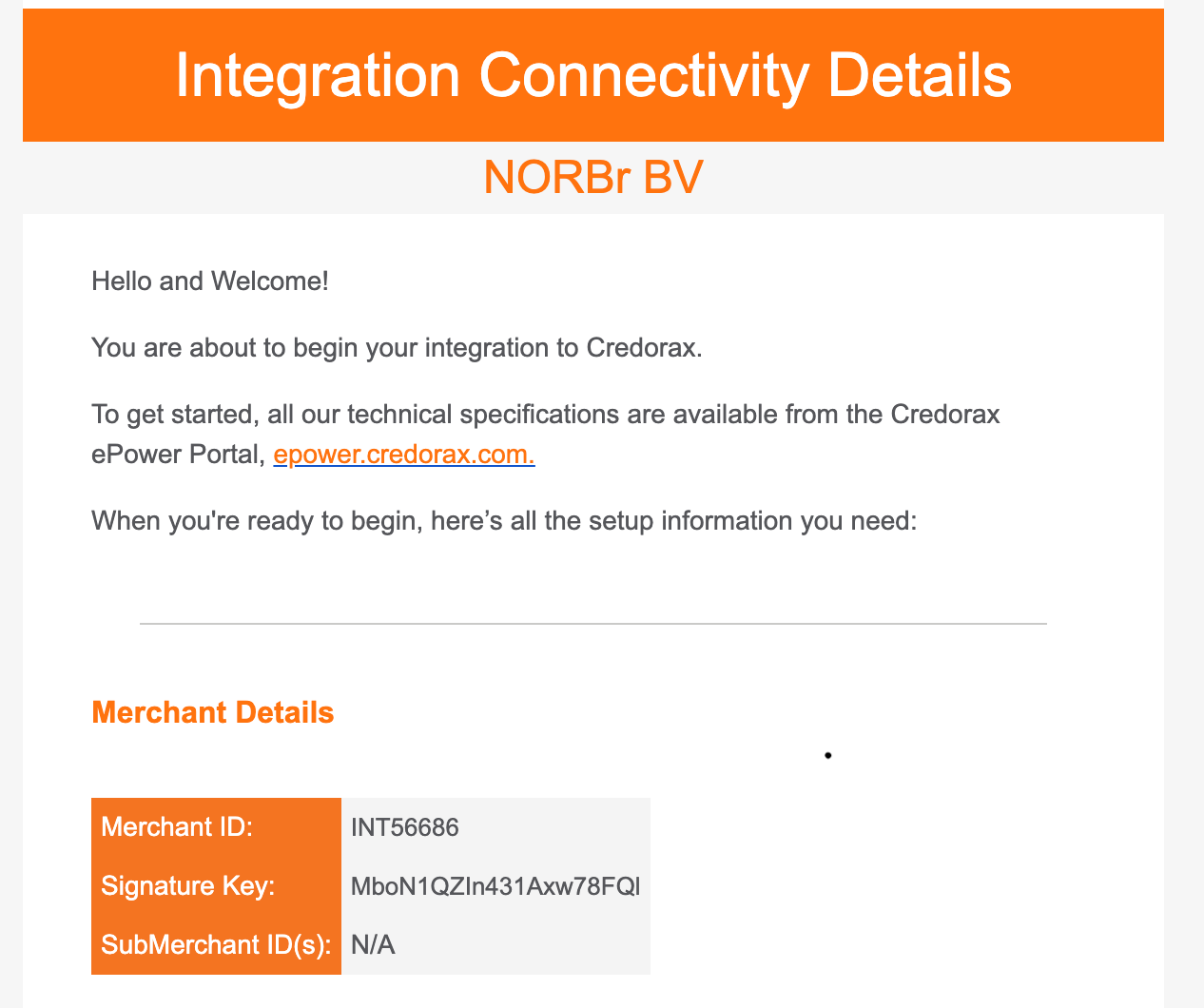
Shift4 will send your credentials via e-mail and you will receive a table that look like this :
Step 3: Add a Contract to your Merchant Account
-
Log into your Merchant Account.
-
Navigate to Contracts in the left navigation. Select + Create to add a new contract.
-
Select the Merchant Account you want to link to the contract
-
From the provider drop-down list, select Finaro.
-
Settlement currency: select from the drop-down menu. You will only see the available ones.
-
Give your contract a name for easier identification: eg. PSP name.
-
Operational configuration (authentication, risk assessment, network tokenization) : leave without changes
-
Select your sales channels and add payment methods. Once added, you can specify the authorization currency and the sales channels for each payment method.
To activate a payment method with Finaro, you will need your merchant_id and SignatureKey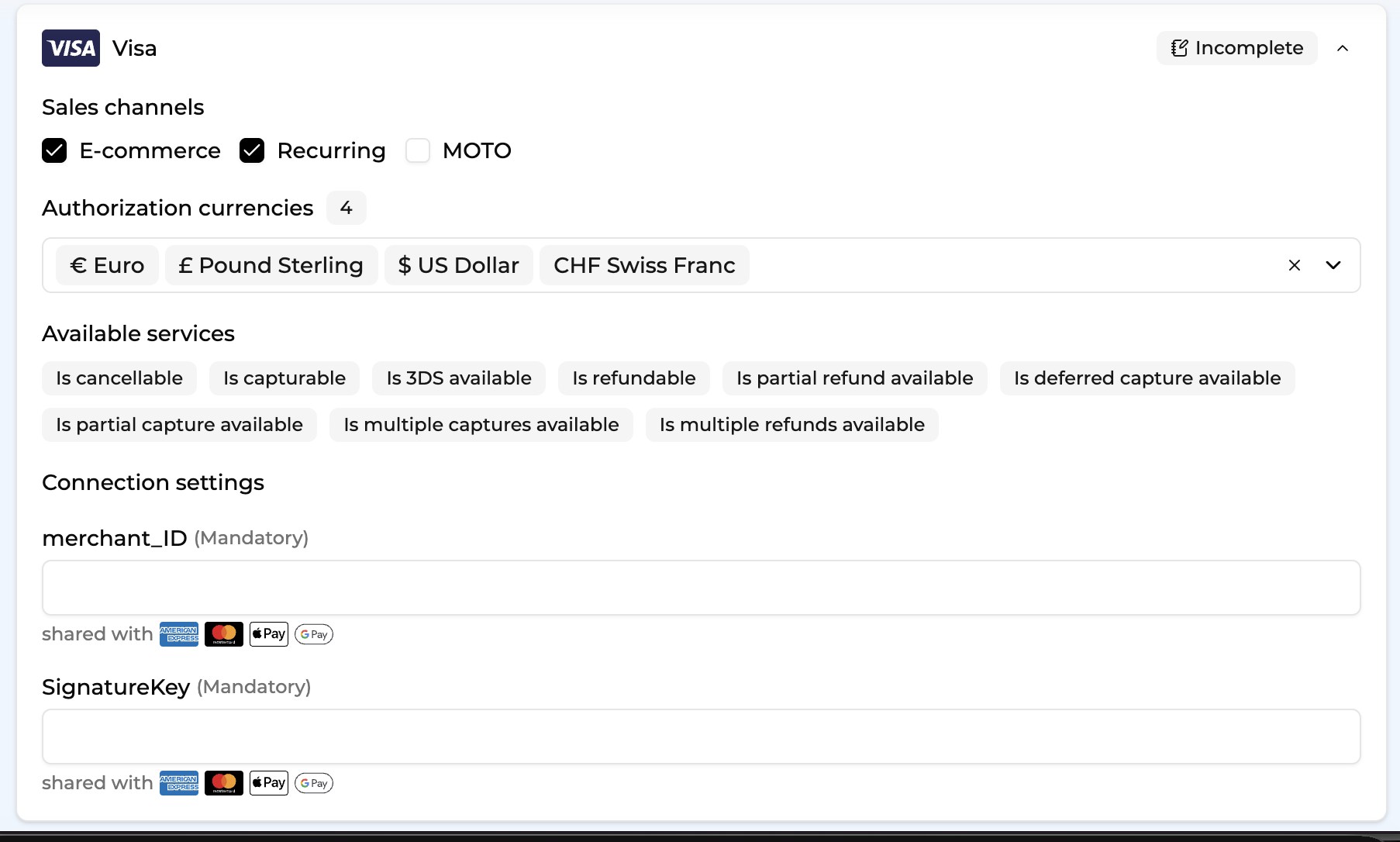
-
Exclusion rule : Set up your exclusion rule if you have one. This section lets you define a condition under which this contract will not be used for routing.
-
Once you have filled in the credentials, select Save, then select Publish to make the contract operational.
Test cards
4012001800000016
4012000100000007
Use any combination of CVC and a future expiry date
Updated about 1 month ago